
Size Your AI Deployment
Rack count, power, floor space, and deployment scale all in one interactive experience
Explore how SN50 fits in your existing data center
AI infrastructure planning should not be guesswork. Immerse yourself in a virtual walkthrough of a data center deployment with SambaRack SN50. This gives your teams a simple visual way to inspect deployments for different energy requirements, floor space, and scale out to multi-megawatt clusters.
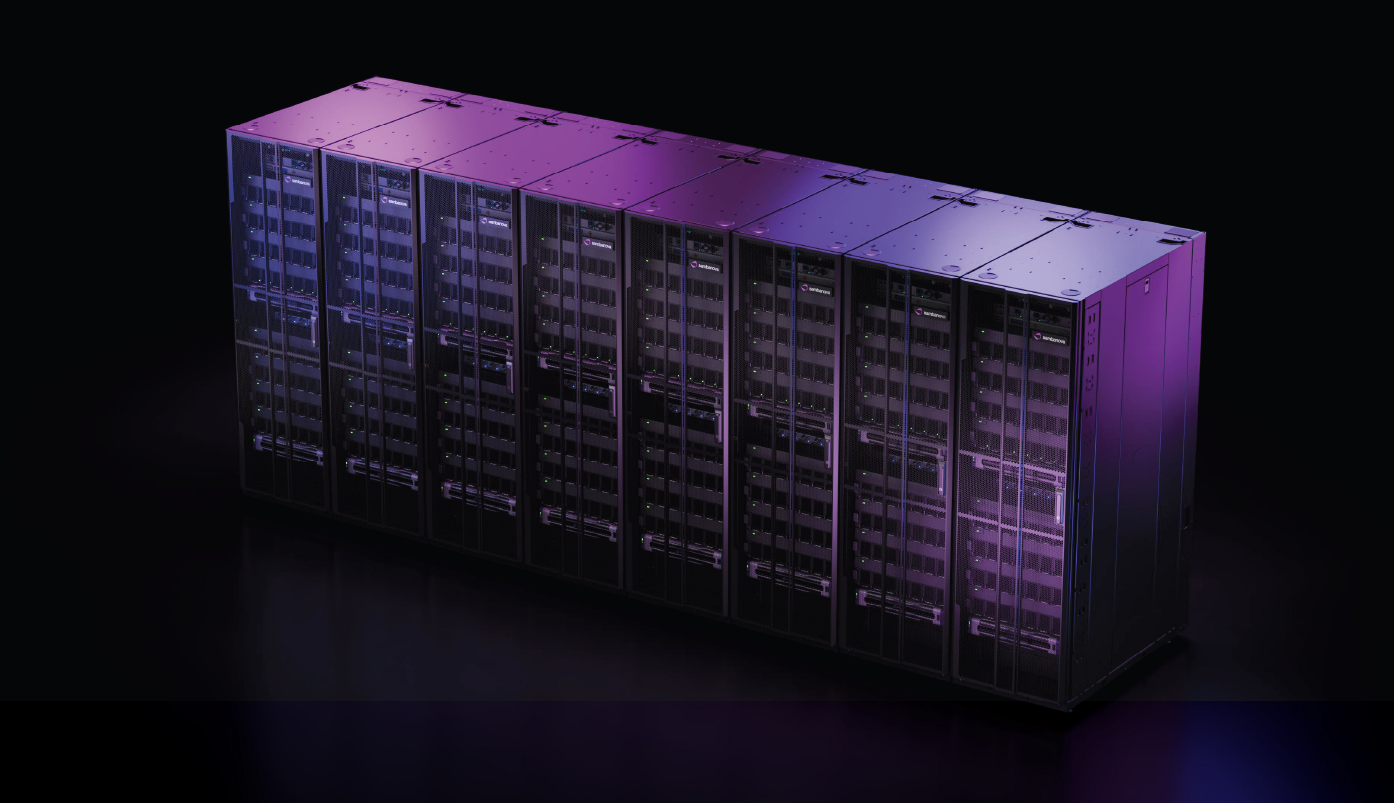

The virtual walkthrough of an AI data center deployment with the SambaNova SN50 is designed for large desktop screens only, not mobile devices.
Visit us again when you're not on the move!
Three ways to explore the walkthrough
The walkthrough has three modes, switched from the top bar. Each answers a different question, so start with the one your team is asking.
Size it
Start with the numbers. Size it shows the rack count, power, floor space including front and rear clearances, and total weight for each configuration.
Walk it
Walk the data center floor at eye level, as a facilities team would on a site visit. Drag the pad to move and drag the scene to look around. Along the top bar you can:
- set the eye level to 5’5” or 6’0”;
- switch cooling between ambient air and hot and cold aisle containment;
- turn on Measure to see rack and aisle dimensions.
Pick a configuration in the deployment panel to see the floor grow, and open Details for its power, floor space and weight. A summary bar at the bottom of the screen keeps the rack count in view as you move.
Inspect
Go from the silicon up to the full deployment: from a single Reconfigurable Dataflow Unit (RDU) up to the rack and the full data center. Hotspots on the floor open up an SN50 rack so you can see the hardware inside.
Jump to walkthroughThe reference deployment
The walkthrough opens on the Max Scale Up configuration: one SambaRack SN50 scale-up domain of 256 RDUs, laid out in two pods of compute racks, each with its own core services racks.
From the deployment panel, you can switch to the 2 MW and 10 MW cluster configurations to see how the floor grows. All three are sized on a GPT-OSS 120B reference configuration.
What your data center needs
SambaRack SN50 is designed for standard air-cooled facilities. The Dataflow Architecture minimizes data movement on the chip, which keeps power within air-cooled envelopes, so SambaRack systems can operate in nearly all air-cooled data centers without a liquid-cooling retrofit, a new build or a wait for a power upgrade. Before a deployment, facilities teams typically check the following, and the walkthrough shows each one for every configuration.
- Power: total power for each configuration, to compare with the power available at your site.
- Cooling: air cooling, shown with either ambient air or hot and cold aisle containment.
- Floor: rack weight and total floor space, including front and rear clearances, to check against your floor load rating and available space.
- Layout: how the compute pods and core services racks sit together on the floor.
Get a sizing for your site
Frequently asked questions
What is the SambaNova data center walkthrough?
An interactive 3D tool for sizing and exploring a SambaRack SN50 deployment. It has three modes: Size it for rack count, power, floor space and weight; Walk it for a walk through the data center; and Inspect for the hardware, from chip to data center.
What deployment does the walkthrough show?
Three reference configurations of SambaRack SN50, sized on GPT-OSS 120B: Max Scale Up, a single 256-RDU scale-up domain, and 2 MW and 10 MW clusters.
Does SambaRack SN50 need liquid cooling?
No. SambaRack SN50 is air-cooled and designed for standard air-cooled data centers, with no liquid-cooling retrofit required. SambaRack systems can also be integrated into liquid-cooled facilities.
How much power does a SambaRack SN50 deployment need?
SambaRack is designed to operate within standard air-cooled power envelopes. The walkthrough shows the total power for each reference configuration, and our team can size a deployment against the power available at your site.
Can SambaRack run alongside my existing GPUs?
Yes. SambaRack can co-exist with GPUs in the same data center. In a disaggregated setup, GPUs handle prefill and SN50 handles decode, with SambaStack orchestrating both behind one API endpoint.
How long does a SambaRack deployment take?
SambaRack ships as a turnkey system that integrates hardware, networking and software, and can be installed in as few as 90 days.